
更新日:2025/10/03
Effortless Laravel Debugging with Laradumps
If you’ve spent any amount of time working with Laravel, you know that debugging quickly becomes an integral part of the development process. While most developers initially rely on dd() or dump() for quick inspections, these approaches can become cumbersome and cluttered as the complexity of your application increases.
Laradumps addresses that gap. It is a modern, elegant, and highly capable debugging tool purpose-built for Laravel developers. In this article, we will guide you through everything needed to get started — from installation and configuration to real-world usage examples — using a clear, step-by-step approach
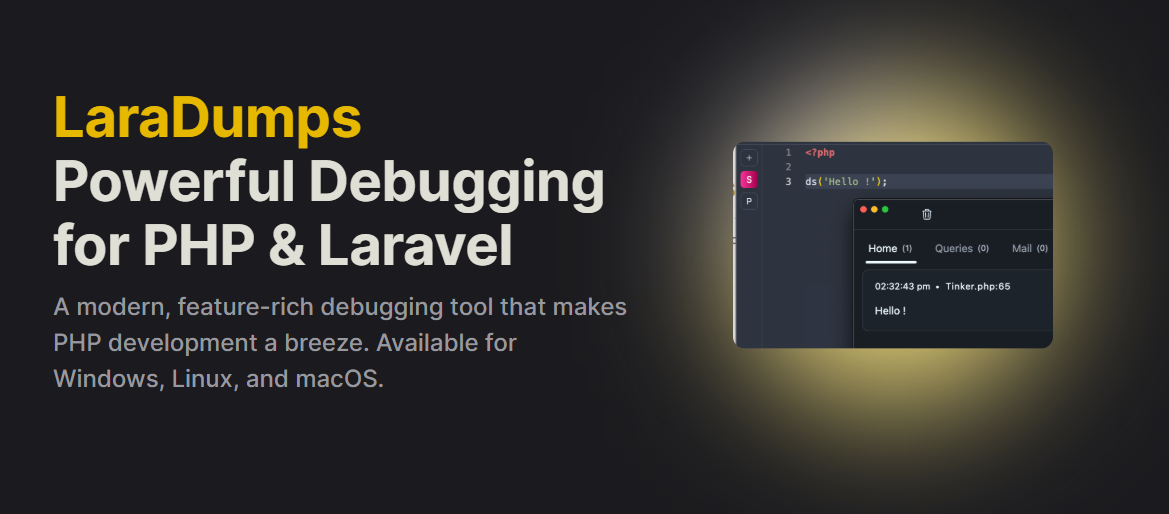
Laradumps is an open-source debugging solution for Laravel that streams your debug output directly to a dedicated desktop application, rather than cluttering your browser. This approach allows you to keep your debug logs clean, well-formatted, and easily searchable — all without interfering with your application’s normal HTTP responses.
Start by downloading the Laradumps desktop application for your operating system — it’s available for Windows, macOS, and Linux.
Once installation is complete, launch the application and keep it running in the background. This is where all of your debugging output will be displayed in real time
Next, open your Laravel project and install the Laradumps package using Composer. Run the following command in your terminal:
composer require laradumps/laradumps --devThis will add Laradumps as a development dependency, ensuring it’s only included in non-production environments.
If you’d like to customize Laradumps to fit your workflow, you can publish its configuration file using the Artisan command below:
php artisan vendor:publish --provider="LaraDumps\LaraDumpsServiceProvider" This will create a config/laradumps.php file in your project, where you can adjust settings such as host, port, and other preferences.
Now it’s time to put Laradumps into action. Instead of using dd() or dump(), simply use the ds() helper function.
You can pass any variable into ds() to inspect its value without stopping the entire application:
$user = User::find(1);
ds($user);
The output will appear instantly in the Laradumps desktop app, formatted for easy reading.
You can call ds() multiple times throughout your code to trace the flow of execution:
ds('Starting process...');

$order = Order::find(10);

ds($order, 'Order Details');

ds('Process completed');
This makes it easy to follow the progress of complex operations without interrupting execution.
Laradumps can also listen for specific events and log them automatically:
ds()->watch('App\Events\OrderShipped');Whenever the OrderShipped event is fired, you’ll see a real-time notification in the Laradumps app.
Say goodbye to manual DB::listen() setups. With Laradumps, you can enable query monitoring with a single line:
ds()->queriesOn();
From that point on, every SQL query executed by Laravel will be sent to Laradumps for review — clean, organized, and easy to search.
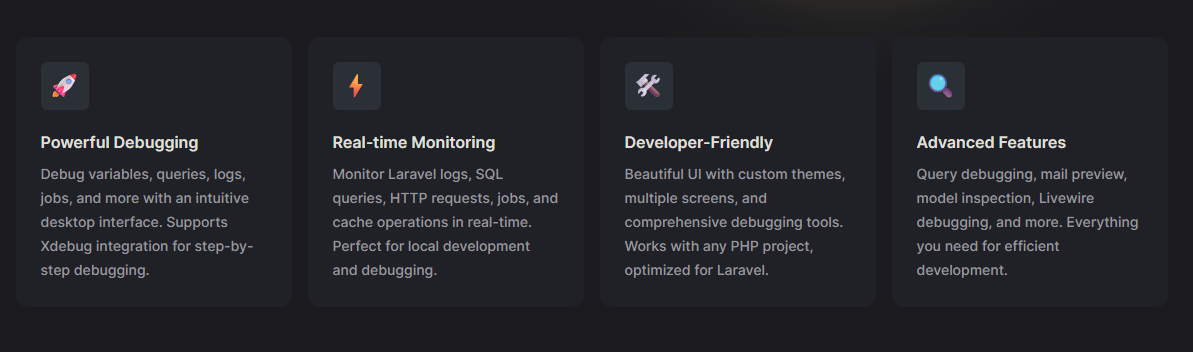
Laradumps includes several powerful features to streamline your debugging workflow:
Laradumps is a true game-changer for Laravel developers. It provides a clean, elegant, and organized way to debug your applications — without cluttering your browser or breaking the flow of your work. Once you start using it, you’ll never want to rely on dd() as your primary debugging tool again.
Effortless Laravel Debugging with Laradumps
オフショア開発のご紹介資料